
“Mastering” Unimog Wheel Art in Affinity Designer

First man made fire, then the wheel! Okay, this doesn’t look like much but it took a long time. Making a few circles isn’t that hard. The bolts and whatnot were pretty easy as well – I learned how to use the ctrl+J function in Affinity Designer which makes repeating patterns in a circle really easy.
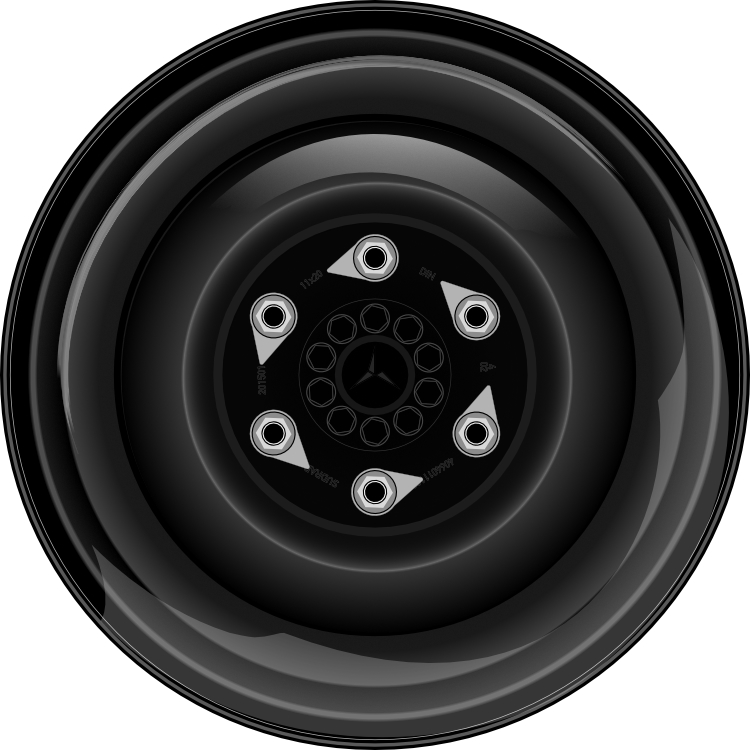
The hard part was making the different parts of the wheel have realistic curves and depth using gradients and coloring. This was made harder yet by the reflections from the natural light. I am not a trained artist so I have never been taught shadows and highlights from lighting. I think it turned out okay – not awful, but far from good. Another major issue is that the photo is not shot 100% directly in front. It is shot from an upward angle. I built the model 100% in front. So in the photo you can get the depth of the hub and other parts from the angle and I can’t do that in my version. Honestly I am not sure the highlights should even be in my version.
Here is the original I was using for reference: